How to Prepare Artwork for Custom Acrylic Standees: A File Guide for Artists
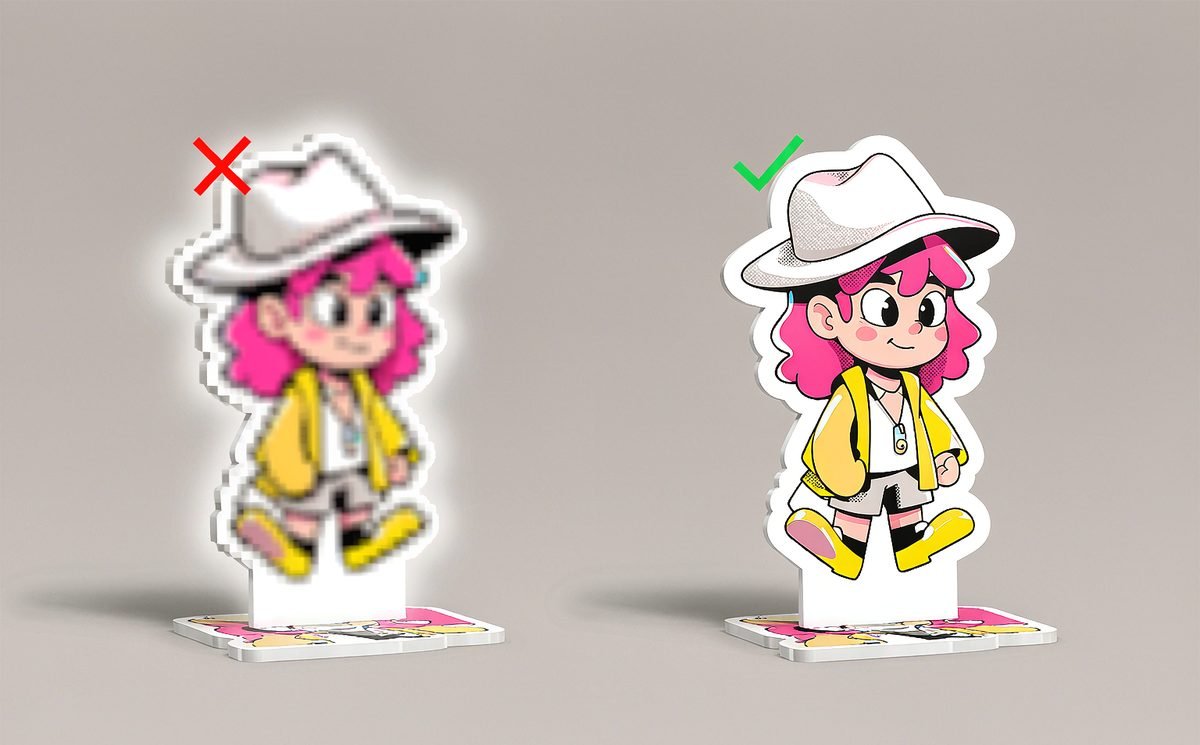
You drew the character. You know exactly how it should look — the line weight, the eyes, that one highlight in the hair. Then the sample arrives, and something is off. The lines look soft. The colors are duller than your screen. There is a strange white halo around the edge.
Most of the time, the problem is not the printing. It is the file.
If you are an illustrator or indie artist making your first acrylic standee, this guide is for you. It walks through exactly how to prepare your artwork so that what you send is what you get — in plain language, with no design-school jargon.
Why a JPG Straight From Your Drawing App Usually Fails
Your drawing app shows your art at screen resolution — usually around 72 DPI. A printer needs about 300 DPI to produce crisp edges. A file that looks perfectly sharp on your monitor can look soft once it is enlarged to the size of a standee.
A flat JPG causes three more problems: it compresses fine lines, it cannot hold a transparent background, and it merges your colors and white ink into a single layer. For a clear acrylic standee, all three of those matter.
The good news: fixing this takes a few settings, not a redraw.
1. Set Resolution and Size Before You Export
Work at 300 DPI at the final physical size of the standee. If your character will be 15 cm tall, set your document to 15 cm tall at 300 DPI (roughly 1,770 px). Bigger is fine; smaller is where trouble starts.
Add a 3 mm bleed around the cut line. Bleed is the extra artwork beyond the edge that gets trimmed away. Without it, a tiny cutting misalignment leaves a thin white sliver on your standee.
2. Separate Your Layers: Line Art, Color, and White Ink
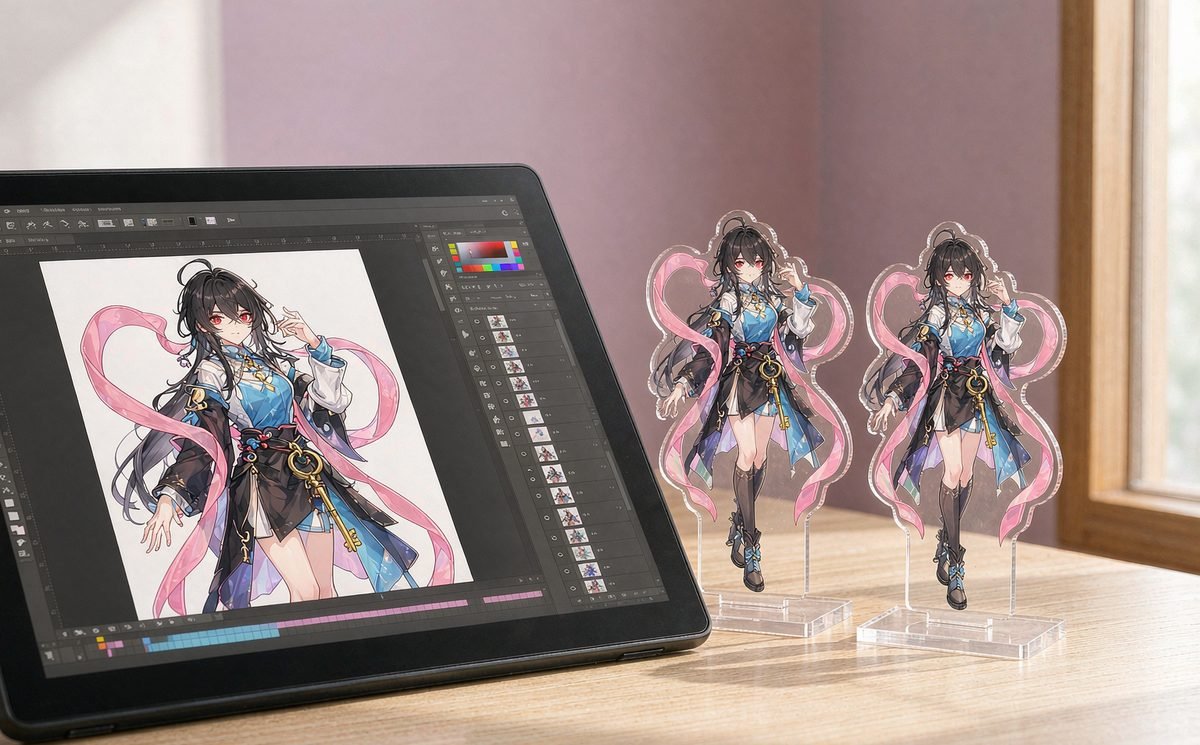
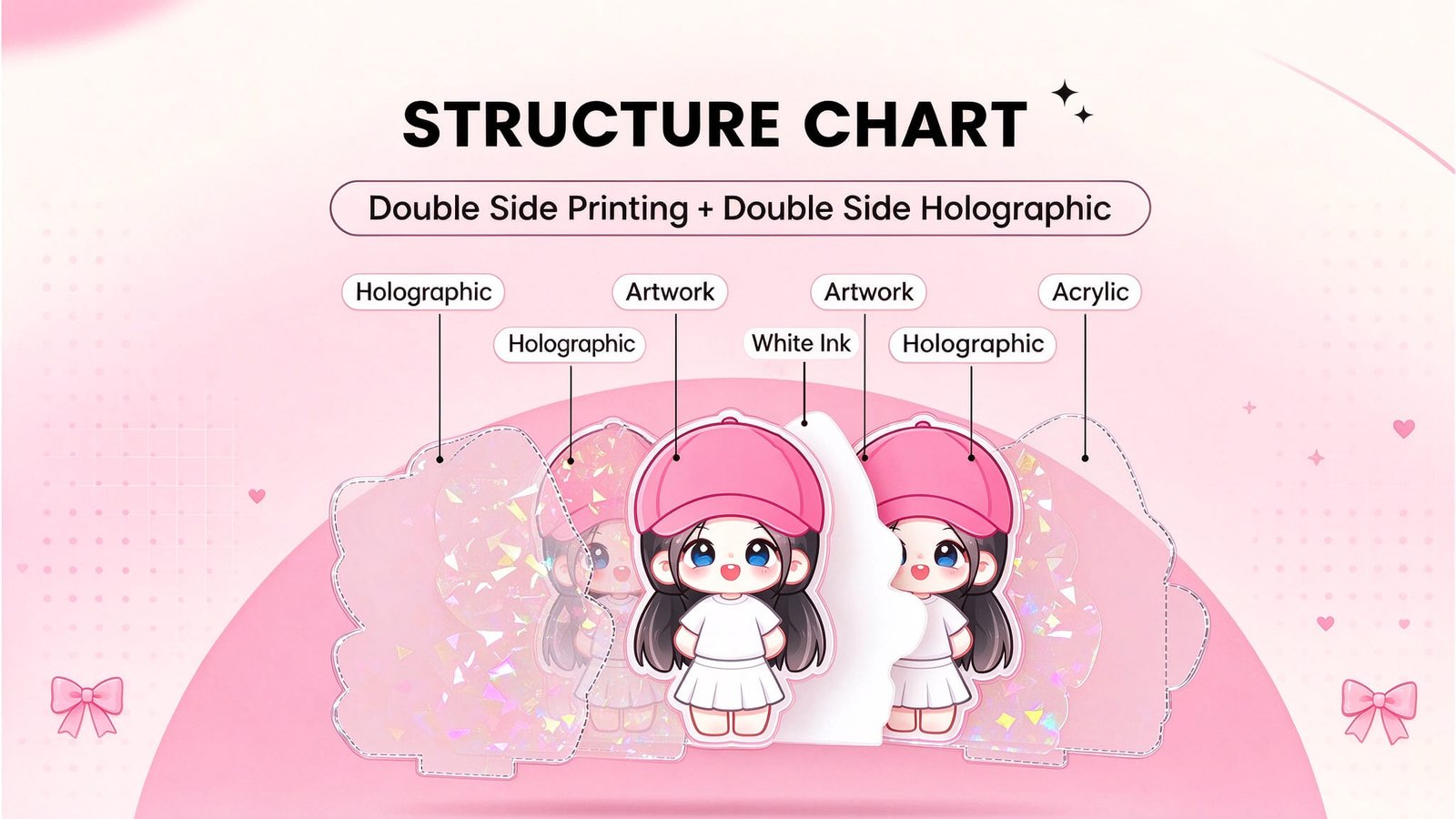
Send a layered file (PSD or AI) rather than a flattened image. Keep your line art, your color fills, and any white ink on separate layers.
White ink deserves a special mention. Acrylic standees are printed on clear material, so colors can look washed out unless a white backing is printed first. That white layer is what makes your colors pop and stay opaque. If you want a subtle “floating” look on a clear stand, you can leave it out — but when you want bold, accurate color, tell us and we will set up the white ink layer for you.
If you are unsure how white ink changes the result, our guide to white ink on acrylic standees explains it in detail.
3. Use a Transparent Background and Check Your Color Mode
Export with a transparent background (PNG or layered PSD), not white. A white background is treated as a real color and will print as a white rectangle on clear acrylic.
Then there is color mode. Your screen shows color in RGB light; printers use CMYK pigment, and the two are not identical. That is why a color can shift slightly between your monitor and the physical standee. If an exact shade matters to your character, send us the hex or Pantone value and we will get as close as the material allows.
We also wrote a short article on why acrylic standee colors differ and how we control it if you want the full picture.

4. From Your File to a Real Sample — and Where to Start
Here is what happens after you send the file: we check the resolution and layers, set up the print file and white ink, make a digital proof for your approval, print and cut the sample, then send you a photo (or the physical sample) before any bulk run.
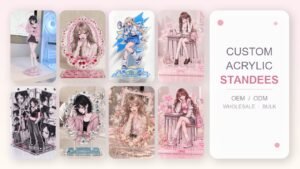
You do not need to commit to hundreds of pieces to see your art in acrylic. Our custom clear acrylic standees are printed directly with UV technology — no mold required — so you can start from a single piece and scale up only when you are ready. It is the easiest way for an artist to test a design at a real trade show or in a small shop before ordering in bulk.
Frequently Asked Questions
What file formats do you accept?
PSD and AI are best because they keep your layers. High-resolution PNG works too. A flattened JPG is acceptable only for simple, single-color designs.
Can I make just one or two to test?
Yes. Direct UV printing has no mold cost, so a single piece is possible. Many artists start with one or two samples before deciding on a larger run.
Will my colors match my screen exactly?
Not perfectly, because screens and prints use different color systems. Send hex or Pantone values for any shade that must be exact, and we will match as closely as the acrylic allows.
Do I need to send a white ink layer?
No. If you are not sure, just send your layered artwork and tell us whether you want bold opaque color or a clear, translucent look. We will prepare the white ink layer accordingly.
Ready to See Your Art in Acrylic?
You have already done the hard part — the drawing. Send us the file and we will handle the technical checks, prepare a proof, and show you exactly how it will look. One piece is enough to start.